
FamilyGuard
One safety app for the whole family.
See where everyone is, get told when your children reach school or leave home, and give them one big button for help — all with sharing everyone agreed to.
No secret tracking. Everyone can see who can see them.
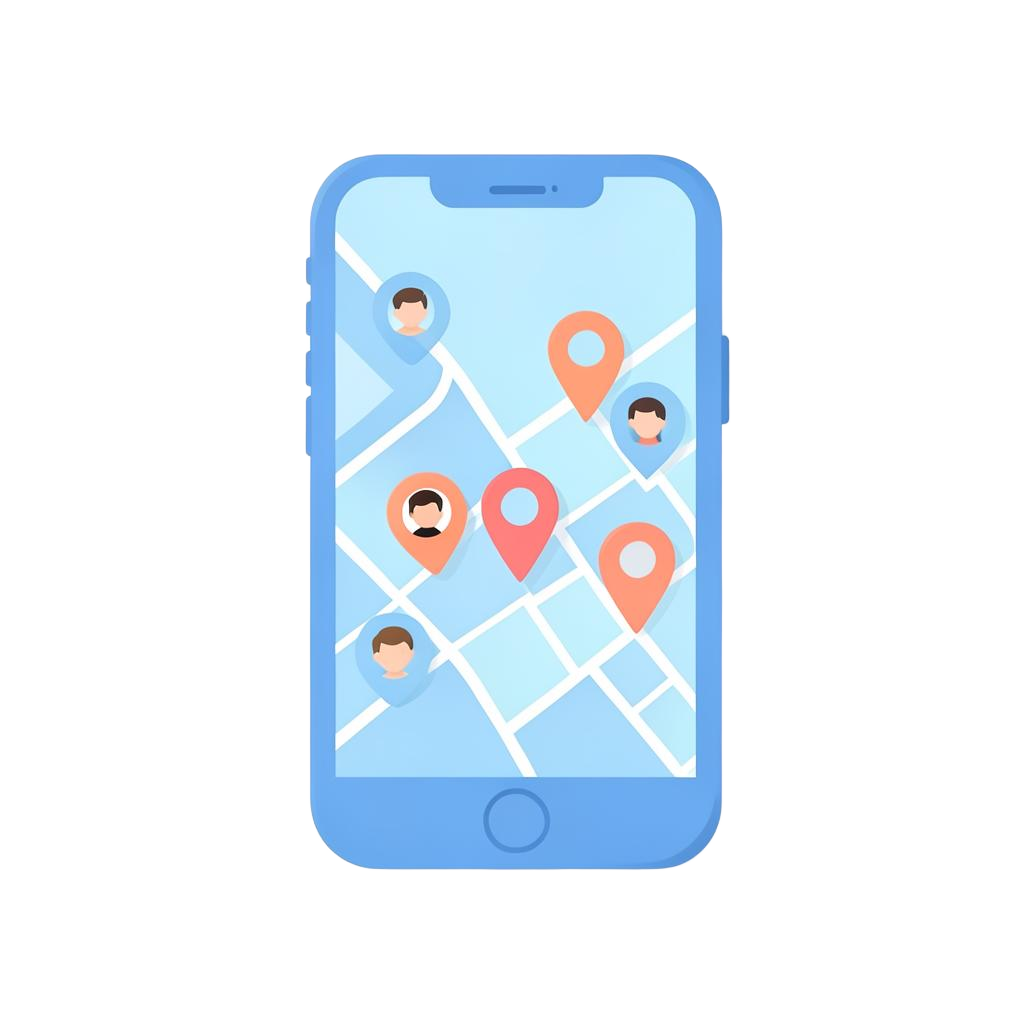
Live location
Everyone who chose to share, on one map.
Safe places
Arrival and departure alerts that matter.
One-tap SOS
Help reaches the family in seconds.
Features
Everything a family needs in one place
Built for parents who want peace of mind and children who want to feel trusted, not watched.
Live family map
One screen shows every family member who has chosen to share, with their last update, movement and battery.
- Online and offline shown clearly
- Tap anyone to replay their day
- Works on phone, tablet and computer
Safe places
Mark home, school, tuition or a grandparent's house and choose who you are told about when they arrive or leave.
- Custom size for each place
- Arrival and departure alerts
- Per-child assignment
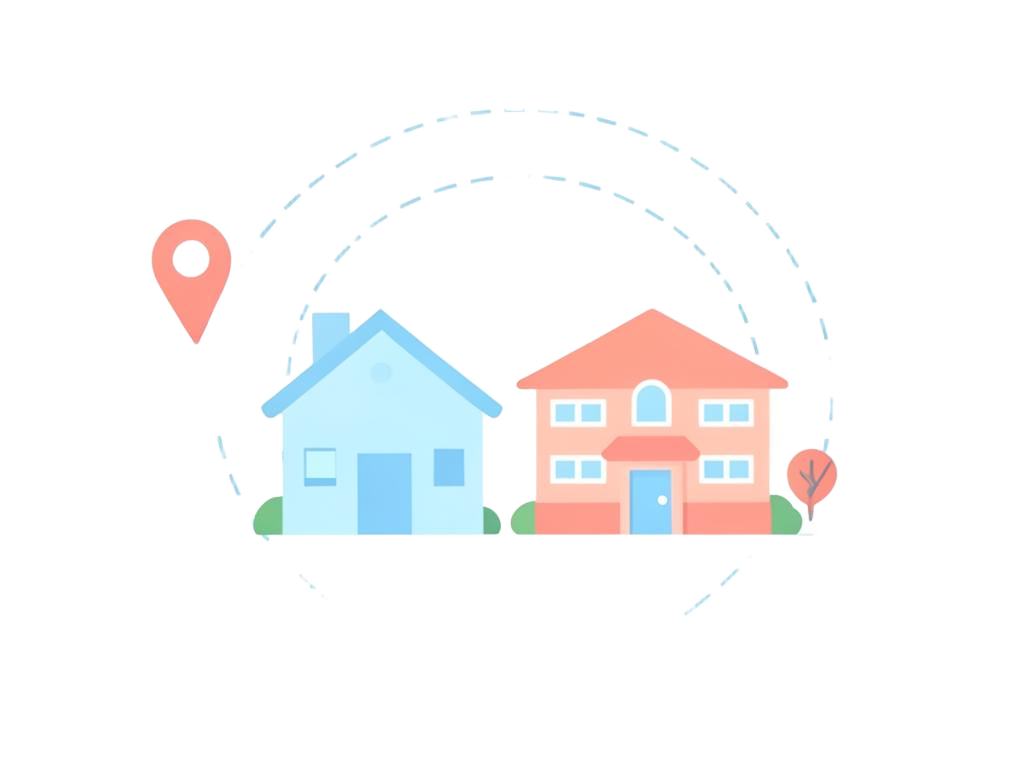
Kids proximity
Set how far apart your children may be. If they drift beyond it, you are told — with the distance in plain metres.
- Green, amber and red distances
- Grace period so short gaps stay quiet
- Active only on chosen days and hours

Check-ins and family chat
Children tap 'I'm safe' or 'At school' and everyone knows. The family thread keeps the rest of the conversation in one place.
- One-tap check-ins
- Family and one-to-one messages
- Read state and timestamps
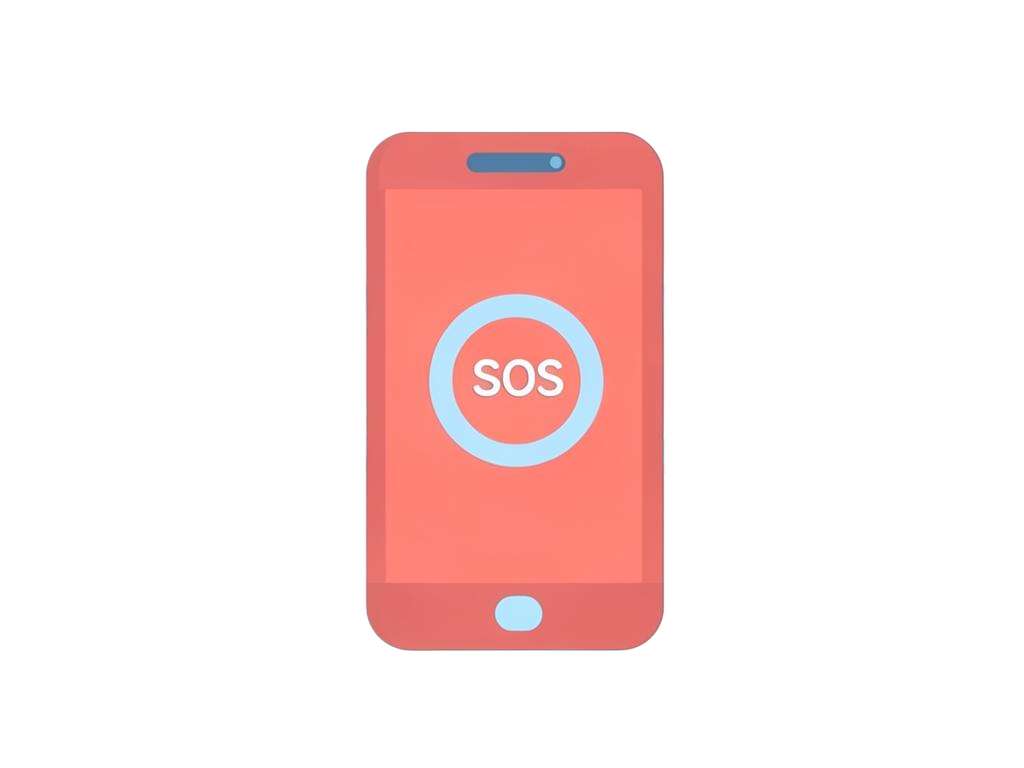
Emergency SOS
Press and hold sends the exact position and time to the family head, guardians and your emergency contacts.
- Works even when sharing is scheduled off
- Confirmation so the child knows help is coming
- Every SOS kept in the alert history
Family tasksComing soon
Assign daily chores and homework, and let everyone tick them off — the small routines that keep a household running.
Spam and unknown-caller protectionComing soon
Flag risky or unknown callers before your child answers, and keep nuisance numbers away from their phone.
How it works
Set up in about three minutes
1. Create your family
Sign up, name your family and pick your role.
2. Invite everyone
Share a code, a link or scan a QR on the child's phone.
3. See the map
Positions appear as each phone allows location.
Roles
Everyone sees what suits them
The same app changes shape for each person in the family.
Family head
Adds members, sets places and rules, sees everything.
Parent / guardian
Full map and alerts, day-to-day care.
Child
Simple home screen, check-ins, SOS, nothing scary.
Trusted member
Limited, time-limited access — a grandparent or pickup helper.
Privacy
FamilyGuard never tracks anyone secretly
Safety works when it is agreed, not hidden. That rule shapes every screen in the app.
Sharing is by consent and can be turned off at any time.
Everyone can see the exact list of people who can see them.
Trusted members get narrow access that expires on its own.
You choose the hours location is shared and how long history is kept.
Pricing
One family, one plan
Early access
Free
Every feature, every member of your family, no card needed.
- Unlimited family members
- Live map, safe places and alerts
- Check-ins, messages and SOS
- Works on Android, iPhone and the web
FAQ
Questions parents ask us
Start keeping your family safer today
It takes a few minutes to set up, and everyone stays in control of their own sharing.